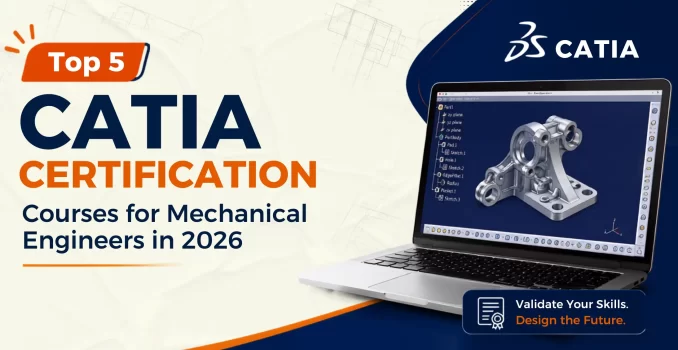
Learn CATIA V6 software from industry experts and progress from basic sketches to advanced Class-A surfacing and assembly design. This live, mentor-led course includes hands-on projects from the automotive, aerospace, and machine design industries.


CATIA software powers leading automotive, aerospace, and manufacturing companies, giving engineers the skills for high-demand design careers.
Engineers with advanced CATIA software skills consistently command higher salaries than professionals limited to conventional CAD tools.
From automotive giants to aerospace innovators, organizations worldwide depend on CATIA software for product development and engineering design.
CATIA proficiency is increasingly becoming a benchmark qualification for mechanical design, surfacing, and product engineering positions
Develop advanced CATIA software skills to create accurate models, defend design decisions, and contribute to real-world engineering projects.
From high-performance supercars and commercial aircraft to industrial robots and advanced manufacturing systems, companies across industries rely on engineers with strong CATIA software skills to design, simulate, validate, and manufacture next-generation products.
The car you drive, the aircraft you fly in, and the products you use every day are designed using CATIA software. Engineers with advanced CATIA software skills are among the most sought-after professionals in modern manufacturing, product design, and engineering.
Design Class-A surfaces, body structures, chassis systems, and vehicle assemblies for modern automotive engineering.
Develop aircraft structures, composite components, fuselage assemblies, and complex aerodynamic surfaces.
Create complex assemblies, machine components, production equipment, and manufacturing systems using advanced design techniques.
Bring innovative products to life with ergonomic designs, aesthetic surfaces, and manufacturing-ready models.
Design robust transportation systems, structural components, and passenger interiors using industry-standard engineering practices.
Develop large-scale marine structures and complex assemblies using the advanced modeling capabilities of CATIA software.
Create intelligent mechanical systems, robotic components, and automated machinery using parametric design techniques.
Manufacturing companies depend on CATIA software skills for creating production-ready molds, tooling systems, and manufacturing components.
From sketch to certified Class‑A surface and full assembly drafting, in a structured, mentor‑guided training path.
Build strong CATIA software fundamentals with parametric sketching and solid part modeling techniques.
Learn constraint-based assembly design for complex mechanical systems and multi-component products.
Develop advanced CATIA software skills using Generative Shape Design for complex surface modelling.
Curvature‑continuous styling surfaces for automotive‑grade finishes.
Design sheet metal components, aerospace brackets, flat patterns, and GD&T-based engineering models.
Complete a portfolio-ready project with technical drawings, design validation, and expert mentor feedback.
Learn CATIA software from sketch to production-ready models through the same engineering workflows used by automotive and aerospace OEMs.
Parametric sketching, solid modeling, feature creation, and design intent using CATIA software.
Learn assembly constraints, motion analysis, clash detection, and mechanism simulation workflows.
Advanced surfacing, Class-A continuity, sweeps, blends, and complex surface modeling.
Learn about bends, flanges, flat patterns, and manufacturing-ready sheet metal components.
Technical drawings, dimensioning, tolerancing, and industry drafting standards.
Photorealistic rendering, digital mock-up analysis, and design validation sessions.
Build a real CATIA portfolio while training live with mentors who design for a living.
Get access to recorded sessions, study materials, and resources anytime for 12 months.
Revisit every recorded session and resource for a full 12 months.
Work on real-world assemblies and surfacing projects to strengthen your design portfolio.
Receive personalized feedback, design reviews, and guidance from industry professionals.
Complete practical CATIA exercises after every module to measure your progress.
Earn a recognized certification that showcases your expertise in CATIA software.
Practice with automotive and aerospace design challenges inspired by real industries.
Flexible batches designed for students and working professionals.
Six portfolio-grade projects that show off your CATIA modelling and surfacing range.
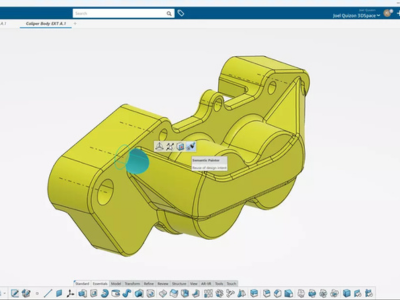
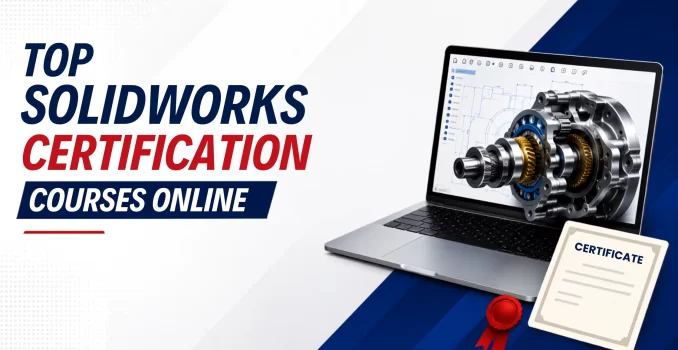
Complete a hands-on exercise by modeling five industry-standard components to strengthen practical SolidWorks design and modeling skills.
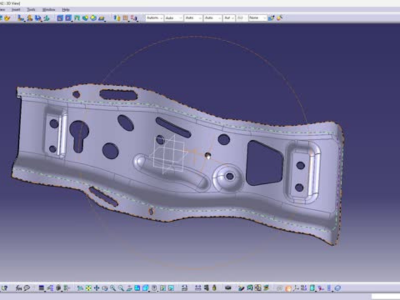
Create an automotive bracket and a mechanical housing using parametric features, sketches, and assembly-ready design practices.
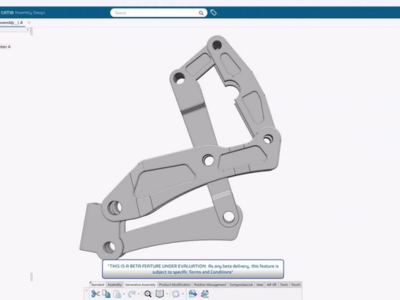
Build a complete mechanical assembly by creating and combining individual parts using mates, constraints, and proper assembly design practices.6
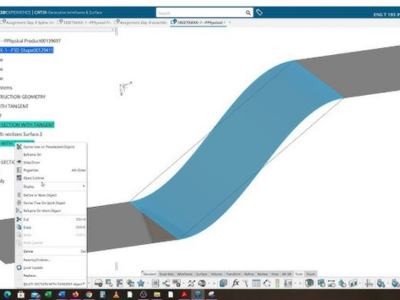
Model a plastic cover panel using advanced surface features, blended surfaces, and smooth transitions to achieve a production-ready component design.
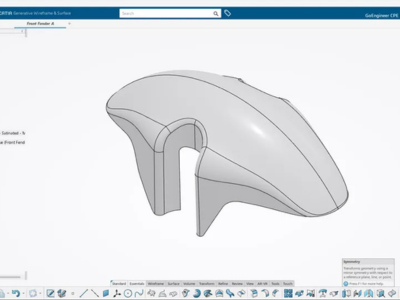
Create a complete drawing package with detailed views, dimensions, annotations, and manufacturing information for a Part Design component.
Get certified and become industry-ready with the assistance of our expert educators who combine practical knowledge with training
Senior Geotechnical Engineer and Professor with 20+ years of hands-on experience across pile foundations, diaphragm walls, ground improvement, retaining structures, and metro rail infrastructure. Former Deputy Manager at ITD Cementation India Limited. Has delivered geotechnical solutions for 140+ projects across India, Germany, Malaysia, and Dubai — including Delhi Metro, Jaipur Metro, IOCL Paradip Refinery, and Vedanta Aluminium Plant.
PhD in Geotechnical Engineering from CSIR-CBRI Roorkee with 8+ years of hands-on PLAXIS 2D & 3D modelling experience. Research specialist in piled raft foundations, slope stability, and liquefaction assessment. Published 12 research papers including 5 in high-impact SCI/SCIE journals. Multiple national and international award recipient. International research exposure at Shanghai Jiao Tong University and IIT Kanpur.
PhD from NIT Tiruchirappalli in laterally loaded finned and helical piles, currently Post-Doctoral Fellow at IIT Bombay researching offshore wind turbine monopile foundations. Over 10 years of PLAXIS 2D & 3D modelling experience spanning pile foundations, embankment consolidation, slope excavations, dredging safety, and tunnel analysis. Published 10+ peer-reviewed research papers.
An honest, feature-by-feature look at CATIA training providers.
| Feature | Pigso Learning | Local CAD Institute | International Platform | Self-Paced Marketplace |
|---|---|---|---|---|
| Training Format | Live cohort, every session | Mostly classroom batches | Pre-recorded + few live Q&A | 100% pre-recorded |
| Duration | 8–10 weeks, 40+ hrs | 4–6 weeks, varies | 50 hrs self-paced | 2–8 hrs, single topic |
| Case Studies | Automotive & aerospace OEM-style briefs | Generic textbook parts | International generic projects | Academic/generic |
| Doubt Support | WhatsApp + email + live Q&A | In-class only | Forum + webinar Q&A | Slow thread replies |
| Content Access | 1-year full access | Course duration only | Lifetime on platform | Lifetime (platform dependent) |
| Portfolio Projects | 6 full capstone builds | Guided exercises | Practical cases | Single-topic walkthroughs |
| Job Network | 3,100+ alumni, referrals | Local alumni only | None | None |
Real job titles our alumni land after completing CATIA training.
Part/assembly modelling for automotive and machinery OEMs.
Class‑A exterior surfacing for vehicle styling teams.
Structural component design and drafting for aircraft programs.
Jigs, fixtures and tool design for manufacturing lines.
Production-ready drawing packages with tolerancing.
Kinematic assemblies and motion studies for automated systems.
Independent design consulting across infrastructure & OEM clients.
New-product surfacing and concept development roles.
Real feedback from engineers who completed our PLAXIS training and transformed their careers.

"Abaqus for geotechnical engineering project training course review - I consulted for the Abaqus project training course, and it was beneficial to begin researching the software from the beginning. I was able to run simulation studies on the product. An educator is quite helpful in resolving my doubts. Anyone who wants to learn FEA and CAE is encouraged to register for this training program."

"As part of my research in composite connections according to the Japanese guide, I specialized in Abaqus and the experience was great. I have been able to master Abaqus in a formidable way that at first I did not think I would reach such a high level in handling this program."

"I had one of my projects in Abaqus software assisted by Pigso Learning. I'm very happy with Sujatha Ma'am. She took a lot of effort in teaching me the concepts and explaining all the doubts I had. She was very much aware of my deadlines and helped me complete the project on time. Thank you so much."

"The course was very good, the instructor is professional and highly educated, sharing with us his experience in the field. The training organization was also good and immediately solved any problems that appeared. I recommend anyone interested in that field to join them. Thanks a lot for all that we learned."

"From the beginning of advanced Abaqus software training program, the course was aiming for deep learning, starting with the theory and then moving to applications. It covered a very wide range of applications in Abaqus like RC beam analysis, steel beam analysis and micro modelling of masonry walls. All of these were taught in a very detailed procedure. The instructor had very good knowledge and high precision in his way of teaching. Personally, I recommend attending this course."
"Abaqus for geotechnical engineering project training course review - I consulted for the Abaqus project training course, and it was beneficial to begin researching the software from the beginning. I was able to run simulation studies on the product. An educator is quite helpful in resolving my doubts. Anyone who wants to learn FEA and CAE is encouraged to register for this training program."
"As part of my research in composite connections according to the Japanese guide, I specialized in Abaqus and the experience was great. I have been able to master Abaqus in a formidable way that at first I did not think I would reach such a high level in handling this program."
"I had one of my projects in Abaqus software assisted by Pigso Learning. I'm very happy with Sujatha Ma'am. She took a lot of effort in teaching me the concepts and explaining all the doubts I had. She was very much aware of my deadlines and helped me complete the project on time. Thank you so much."
"The course was very good, the instructor is professional and highly educated, sharing with us his experience in the field. The training organization was also good and immediately solved any problems that appeared. I recommend anyone interested in that field to join them. Thanks a lot for all that we learned."
"From the beginning of advanced Abaqus software training program, the course was aiming for deep learning, starting with the theory and then moving to applications. It covered a very wide range of applications in Abaqus like RC beam analysis, steel beam analysis and micro modelling of masonry walls. All of these were taught in a very detailed procedure. The instructor had very good knowledge and high precision in his way of teaching. Personally, I recommend attending this course."
From day one, gain access to a complete support ecosystem with expert guidance, peer collaboration, and dedicated mentor support.
Connect with your batch, discuss CATIA software doubts, and receive timely support from mentors throughout the course.
Become part of a growing CATIA software community and network with alumni and industry professionals.
Schedule 1-on-1 mentor sessions to review projects, receive career guidance, and prepare for industry interviews.
Expand Your PLAXIS Knowledge Beyond the Classroomm
Join free live sessions on PLAXIS, geotechnical engineering, industry trends, and real-world engineering applications led by experienced professionals.
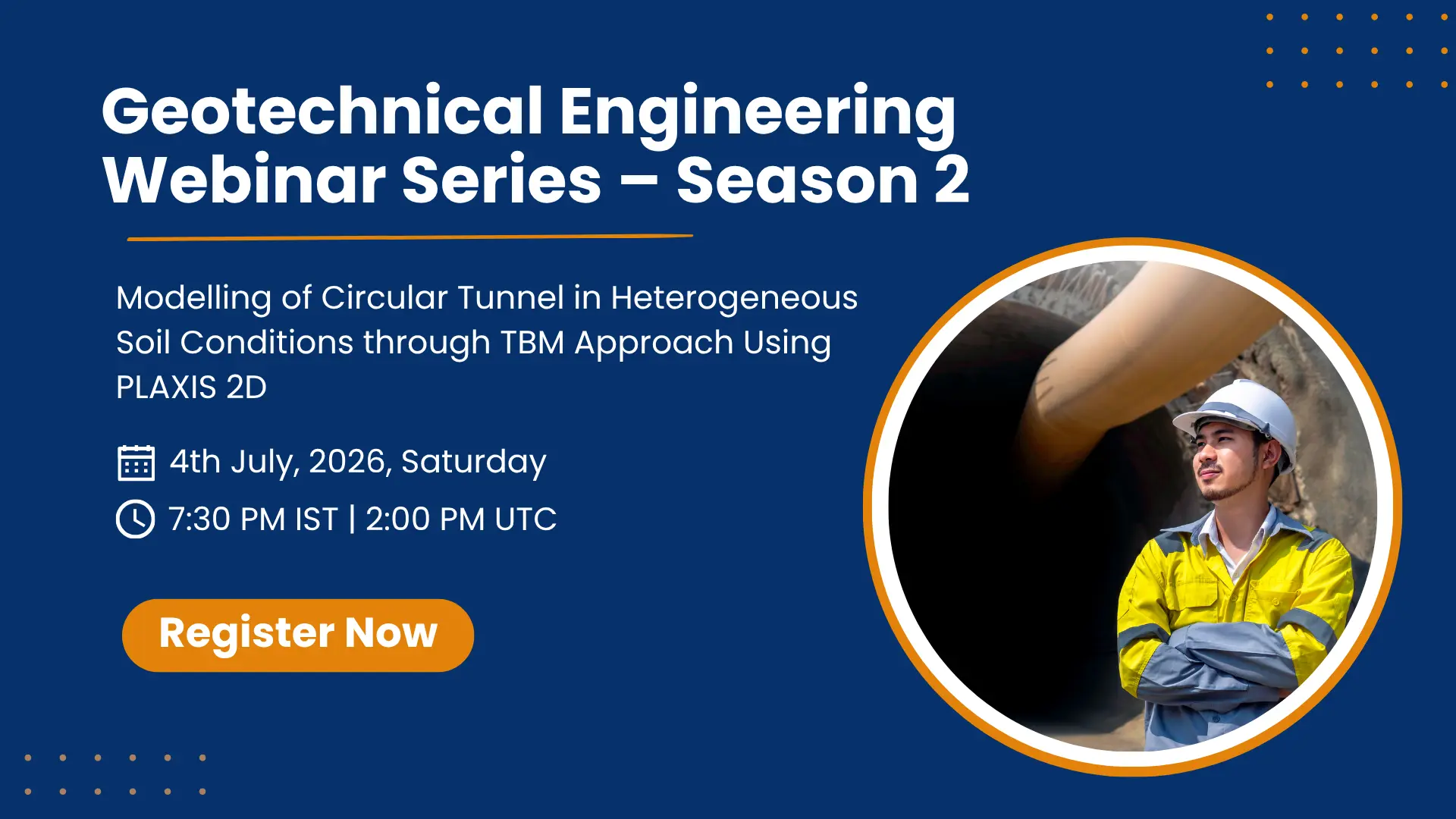
 Free Webinar
A beginner-friendly session covering the PLAXIS interface, basic mesh setup, and your first simulation run.
 July 4, 2026
 7:30 PM IST
 Free
Free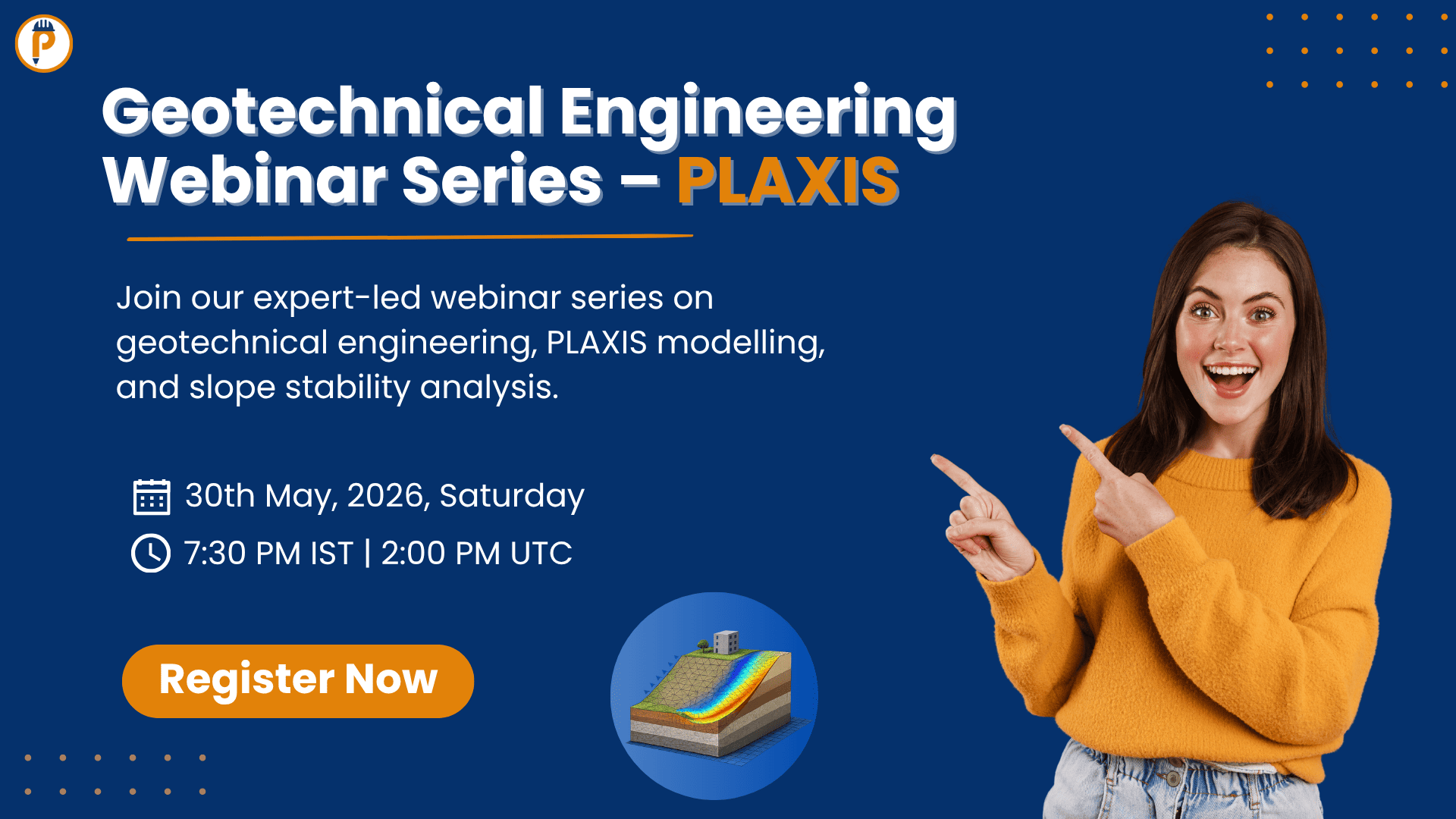
 Masterclass
Advanced 2-hour masterclass on modelling TBM-induced settlement using actual project data from a live metro project.
May 30, 2026 7:30 PM IST Free Free Webinar
Understand the practical decision between 2D plane-strain and full 3D modelling for different project types.
Dec 6, 2025 7:30 PM UTC FreeBook your spot in the next live batch. Small class sizes, live mentor support, and production-grade CATIA training that gets you hired.