Master sketching, part modelling, assemblies, surfacing, sheet metal and simulation with live, industry-led SolidWorks training. Build real design projects and get mentored by experts to get certified.



Every learner is guided onto a genuine, fully-licensed SolidWorks installation for the entire program full featured, valid for the whole duration, with setup & activation support from your mentor team.
As an official 3DEXPERIENCE® partner of Dassault Systèmes, we award two certificates on completion — one from Dassault Systèmes and one from PIGSO Learning.
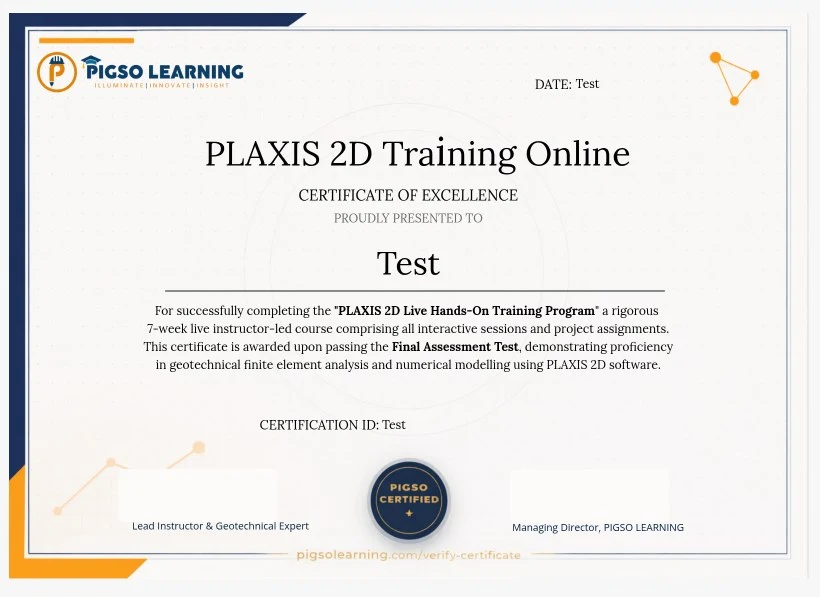
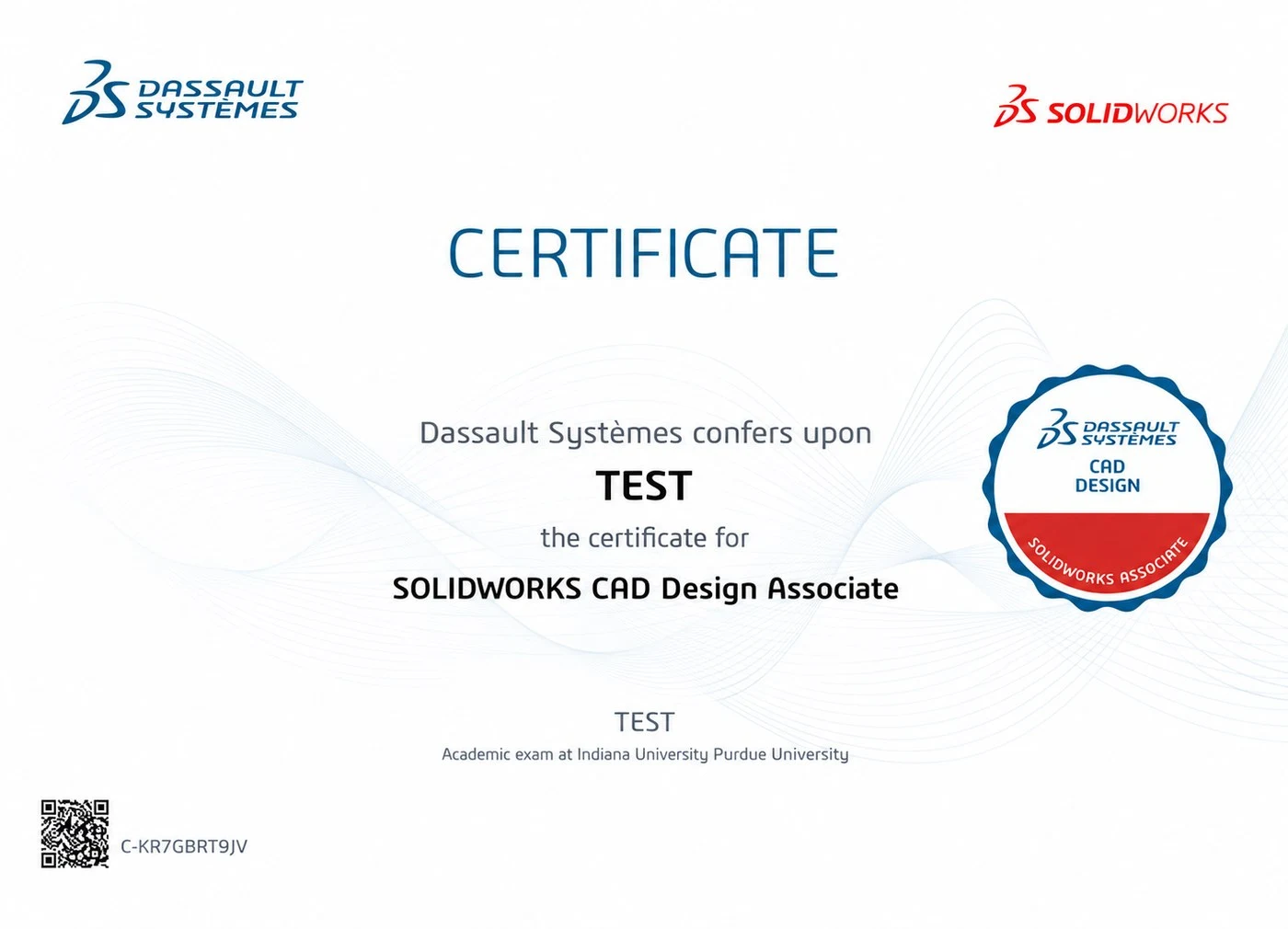
Master SolidWorks online program, designed with a structure of three progressive stages. Go from creating your first sketch to building a portfolio-ready final certification project with practical, industry-focused learning.
Learn to navigate the SolidWorks interface, develop strong parametric 2D sketching skills, and create your first feature-based 3D parts.
Explore advanced part features, multi-component assemblies, mates, motion studies, and complete engineering drawing creation.
Develop skills in complex surfacing, sheet metal, and weldment design, introductory simulation, rendering, and complete your capstone project.
Explore our SolidWorks online certification course program and build industry-ready CAD skills with practical, expert-led training. Book a free counselling session to explore the course, get an understanding of how you will gain hands-on experience in designing industrial products by yourself.
Book Free Counselling →Turn your SolidWorks skills into industry-ready expertise with practical training and real-world projects.
Learn 2D sketching, dimensions, geometric relations, and design constraints.
Create mechanical parts using extrudes, revolves, sweeps, lofts, fillets, shells, and patterns.
Build multi-part assemblies, apply mates, check interference, create exploded views, and explore motion studies.
Create engineering drawings with GD&T, BOMs, sections, and detailed views.
Design advanced freeform and product surfaces using powerful surfacing tools.
Model sheet metal components, weldments, and explore basic simulation and rendering.
The end-to-end product design workflow you'll practise on every capstone project in this course.
2D concept & constraints
3D parametric features
Mates & motion study
2D drawings & BOM
Basic stress & validation
Photoreal presentation
SolidWorks is one of the world's most widely used CAD platforms across manufacturing. Here's why mastering it directly impacts your career.
SolidWorks is a widely used CAD platform for manufacturing and engineering. Join SolidWorks classes online and build job-ready skills through a comprehensive SolidWorks online course.
Used by automotive, aerospace, consumer products, and mechanical design companies worldwide. Best SolidWorks training online helps you develop industry-relevant CAD skills for today's engineering and manufacturing roles.
Advanced CAD skills and certification can help you stand out and unlock higher-paying design roles. A structured SolidWorks online course can help you build the skills needed to advance your career.
Build skills valued by engineering and industrial design companies across international markets.
Join 350+ engineers and students who've already levelled up their design careers.
Start Your Solid Works JourneyDiscover where SolidWorks expertise is applied across different industries
Chassis parts, body components, brackets, and powertrain assemblies.
Precision structural components, fixtures, and avionics enclosures designed to strict tolerances
Machine frames, tooling, jigs, fixtures, and production equipment components.
Appliance casings, product enclosures, and ergonomic shells created with advanced surfacing.
Manufacturing-ready enclosures, brackets, panels, and welded structural assemblies.
Custom fixtures, robotic end-effectors, and structural frames for automated equipment
Mounting systems, turbine components, and protective enclosures for energy equipment.
Precision device housings, ergonomic casings, and components for medical equipment.
Develop industry-ready SolidWorks skills and build portfolio projects that showcase your design capabilities.
Learn through live classes with real-time doubt solving and instructor guidance.
Get access to your course recordings and resources for 12 months.
Work on end-to-end design projects and build a strong portfolio.
Get personalised support and feedback from experienced design mentors.
Complete graded SolidWorks exercises after each module to track progress.
Earn a recognised certification that validates your CAD expertise.
Learn through real project-based SolidWorks training with practical examples.
Attend flexible sessions on Zoom, ideal for working professionals and students.
Build practical design projects that showcase your skills and engineering expertise.
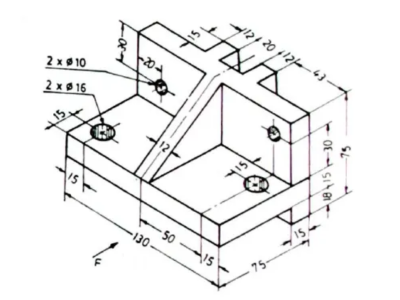
Create detailed 2D sketches using dimensions, constraints, and sketching tools.
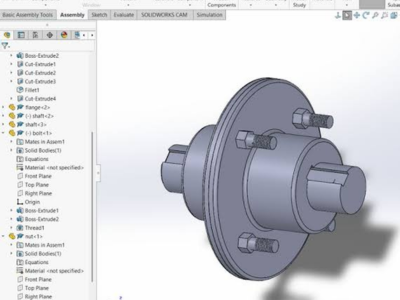
Build a complete flange assembly using mates and precise component positioning.
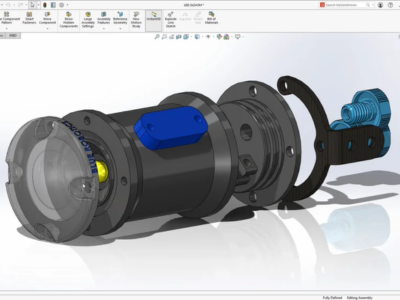
Model a practical flange component using extrudes, cuts, fillets, and patterns.
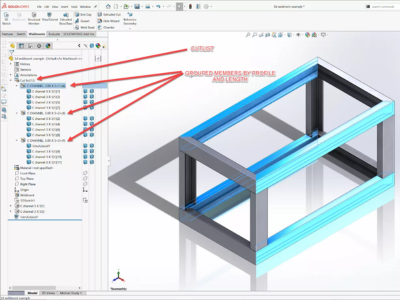
Build a structural frame using weldment profiles, joints, and trimming tools.
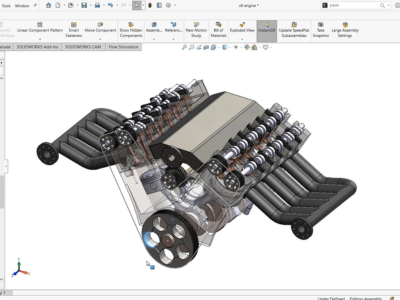
Assemble multiple components with mates and create a functional machine mechanism.
An honest, feature-by-feature look at how a live cohort-based program compares to other common ways of learning SolidWorks.
| Feature | 🏆 PIGSO Learning | 🎓 Other Live Training Courses | 🎥 Video Course | 🏫 University |
|---|---|---|---|---|
| Training Format | ✔ Live cohort, every session | ✔ Live, often large batches | ✘ 100% pre-recorded | ~ Classroom lectures, semester-based |
| Certificate | ✔ PIGSO Learning certificate + Official Dassault Systèmes SOLIDWORKS certification | ~ Usually institute certificate only | ~ Completion certificate only | ✘ Course credit, no software certificate |
| Software Access | ✔ SOLIDWORKS software access provided | ~ Trial version or own licence | ✘ Not included | ~ Campus lab access only |
| Scope | ✔ Part design, assemblies, surfacing, sheet metal and drawings | ~ Usually basic part modelling only | ~ Short single-topic videos | ~ Theory-focused, little hands-on CAD |
| Case Studies | ✔ Real component, assembly and drawing-package scenarios | ~ Generic examples | ~ Demo examples | ~ Academic exercises |
| Doubt Support | ✔ WhatsApp + email + live Q&A | ~ In-class Q&A only | ~ Comment threads, slow replies | ~ Faculty office hours |
| Content Access | ✔ 1-year full access | ~ Course duration only | ~ Platform dependent | ✘ Semester only |
| Practical Projects | ✔ 6 guided SolidWorks projects | ~ Guided exercises | ~ Follow-along demos | ~ Academic assignments |
| Career Support | ✔ Mentor guidance + alumni network | ~ Limited | ✘ None | ~ Campus placement cell |
Comparison reflects typical characteristics of each learning format as a general guide individual programs may vary.
Explore career opportunities for engineers and students with strong SolidWorks and CAD design expertise.
Create 3D parts and assemblies for manufacturing and product development teams.
Handle design-to-production workflows, technical drawings, and manufacturing documentation.
Develop vehicle components, assemblies, and body-in-white designs for automotive manufacturers.
Design structural and avionics components that meet strict aerospace standards and tolerances.
Develop production-ready parts, sheet metal components, and welded structures.
Perform entry-level FEA, simulation, and design validation using integrated CAD tools.
Work on consumer product surfaces, ergonomic design, and realistic rendering.
CAD-based research and faculty roles in mechanical design labs.
Real feedback from engineers who completed our PLAXIS training and transformed their careers.

"TheAs part of my research in composite connections according to the Japanese guide, I specialized in Abaqus and the experience was great. I have been able to master Abaqus in a formidable way that at first I did not think I would reach such a high level in handling this program."

"The educator's willingness to collaborate, vast knowledge, and dedication to helping us succeed have provide us with access to information that is not easily found elsewhere. I am grateful for the opportunity to have learn so much from them."

"I recently completed PLAXIS training to upskill in geotechnical design. The course was highly beneficial in enhancing my understanding of soil-structure interaction, advanced modeling techniques, and practical applications in real-world projects. As someone working in the design field, this training has significantly improved my efficiency and precision in analyzing complex geotechnical problems. A worthwhile investment for professional growth."

"It was a wonderful platform to enhance skills in the field of research. I really appreciate the organizer, who is providing the utmost benefits to new learners. The training program provided clear explanations and allocated extra time.

"Excellent Training I enrolled in Plaxis. Useful course for the Geotechnical and Structural Engineers. The instructor has a vase technical knowledge of the subject, usually it is difficult to find in other institutes. The topics taught were also according to the industry standards.
"TheAs part of my research in composite connections according to the Japanese guide, I specialized in Abaqus and the experience was great. I have been able to master Abaqus in a formidable way that at first I did not think I would reach such a high level in handling this program."
"The educator's willingness to collaborate, vast knowledge, and dedication to helping us succeed have provide us with access to information that is not easily found elsewhere. I am grateful for the opportunity to have learn so much from them."
"I recently completed PLAXIS training to upskill in geotechnical design. The course was highly beneficial in enhancing my understanding of soil-structure interaction, advanced modeling techniques, and practical applications in real-world projects. As someone working in the design field, this training has significantly improved my efficiency and precision in analyzing complex geotechnical problems. A worthwhile investment for professional growth."
"It was a wonderful platform to enhance skills in the field of research. I really appreciate the organizer, who is providing the utmost benefits to new learners. The training program provided clear explanations and allocated extra time.
"Excellent Training I enrolled in Plaxis. Useful course for the Geotechnical and Structural Engineers. The instructor has a vase technical knowledge of the subject, usually it is difficult to find in other institutes. The topics taught were also according to the industry standards.
Get quick batch updates, discuss SolidWorks challenges, and receive timely guidance from mentors.
Connect with fellow learners, alumni, and industry professionals to expand your network and exchange insights.
Schedule 1-on-1 sessions to review your designs, resolve doubts, and receive personalised career advice.
Book your spot in our next live batch. Small class sizes, live support, and hands-on SolidWorks training await.
Explore Batches →Expand Your PLAXIS Knowledge Beyond the Classroomm
Join free live sessions on PLAXIS, geotechnical engineering, industry trends, and real-world engineering applications led by experienced professionals.
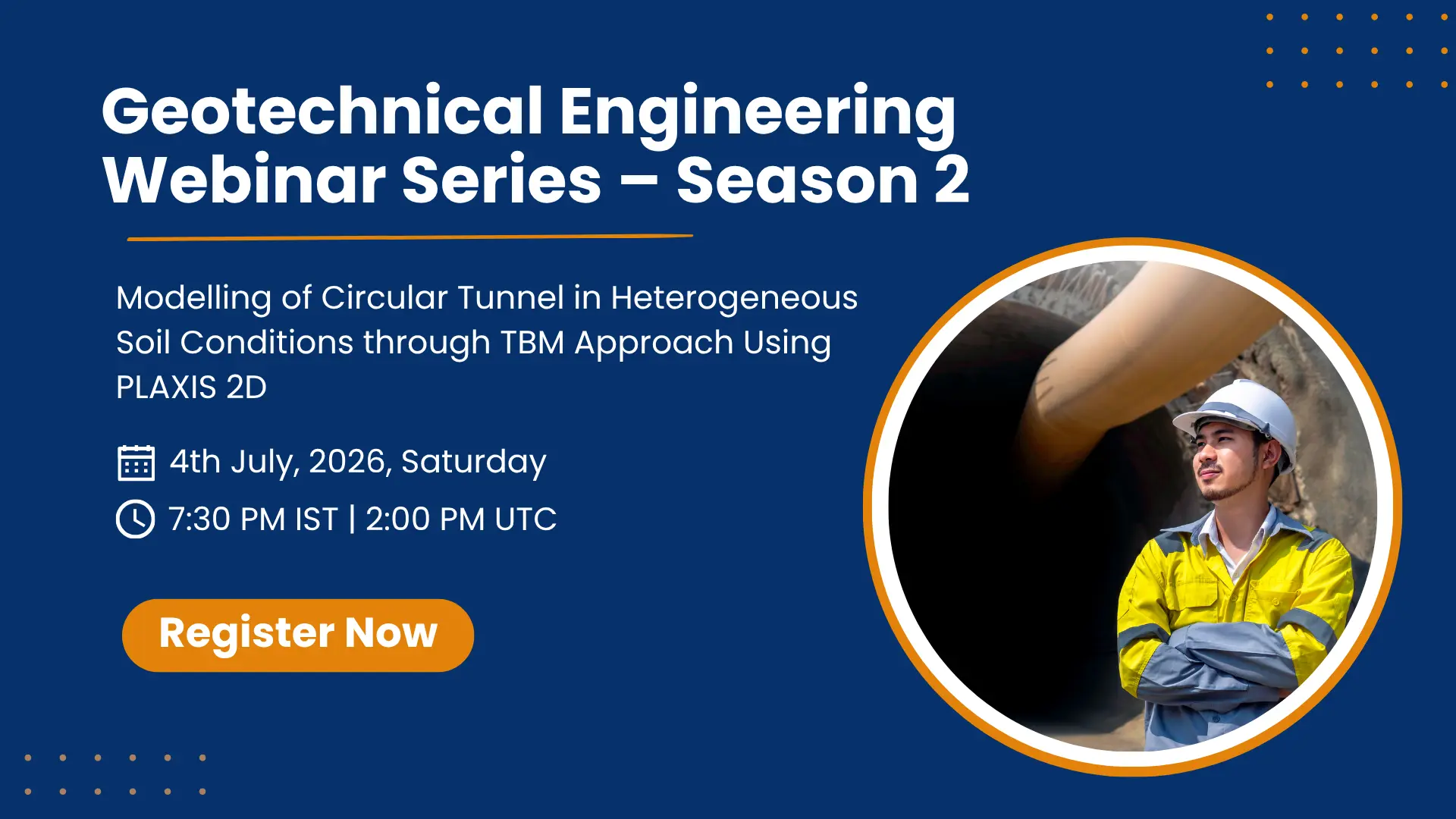
A beginner-friendly session covering the PLAXIS interface, basic mesh setup, and your first simulation run.
Register Free →
Advanced 2-hour masterclass on modelling TBM-induced settlement using actual project data from a live metro project.
VIEW RECORDING →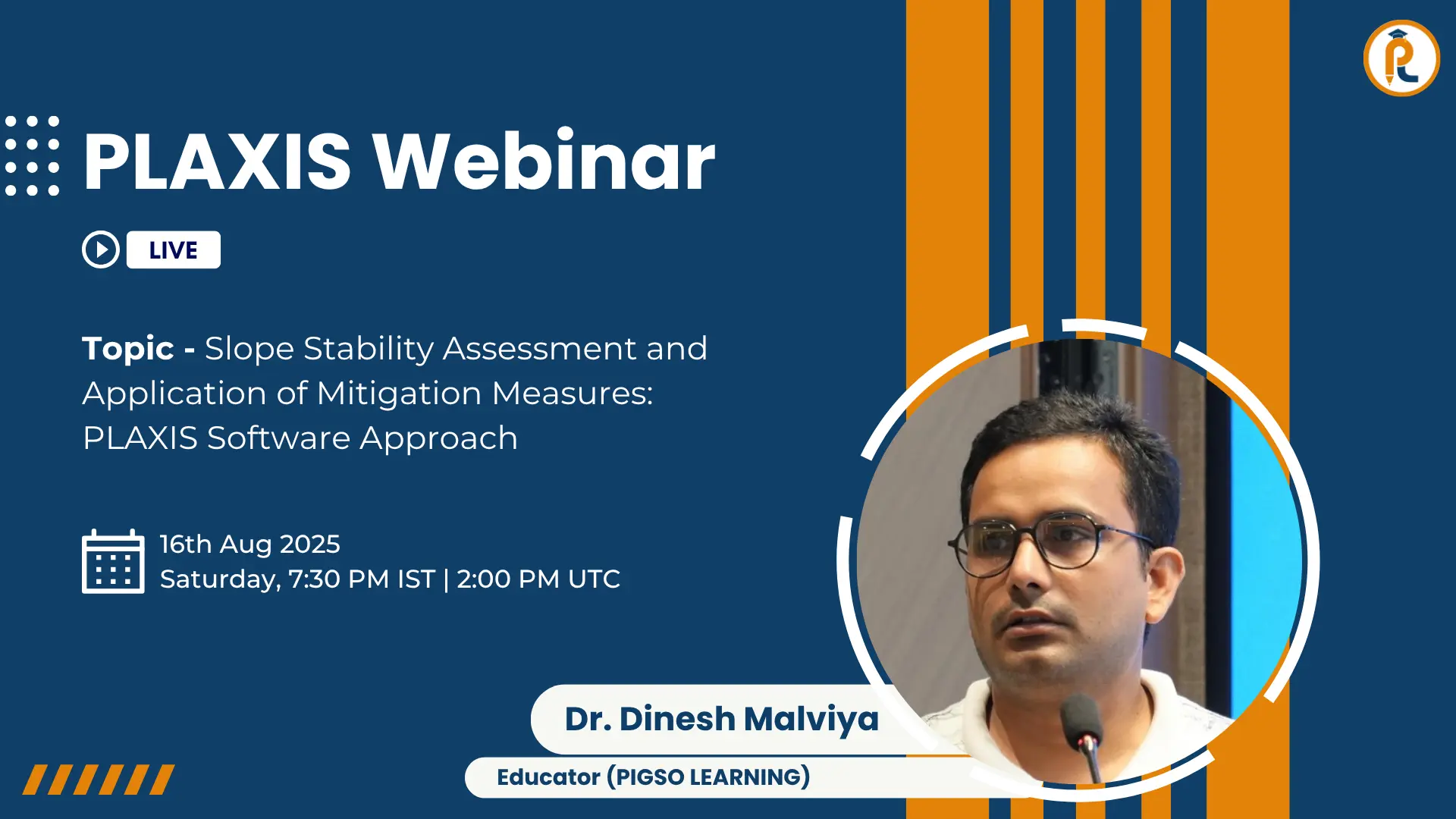
Understand the practical decision between 2D plane-strain and full 3D modelling for different project types.
VIEW RECORDING→