
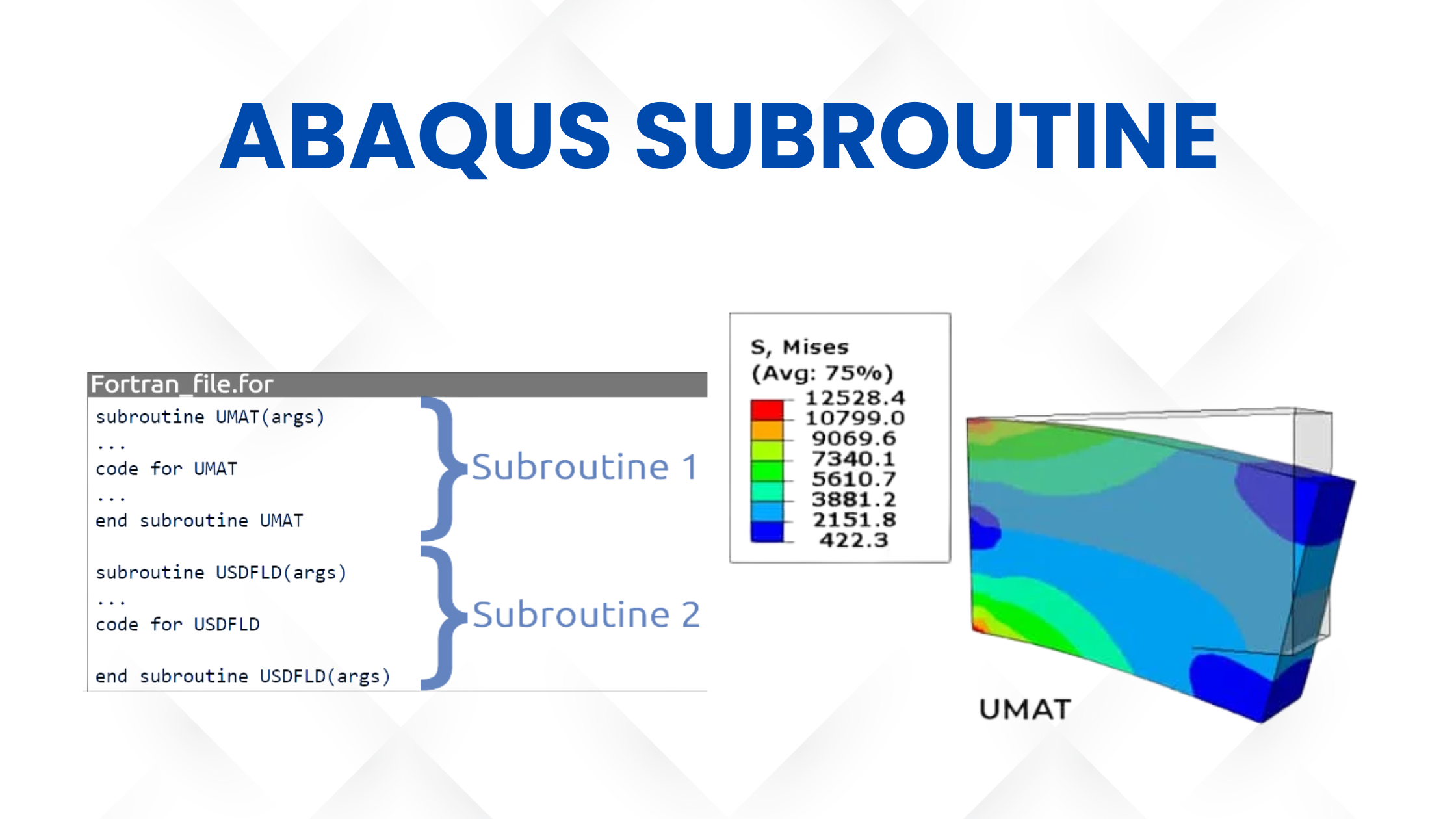
What is Abaqus Subroutine?
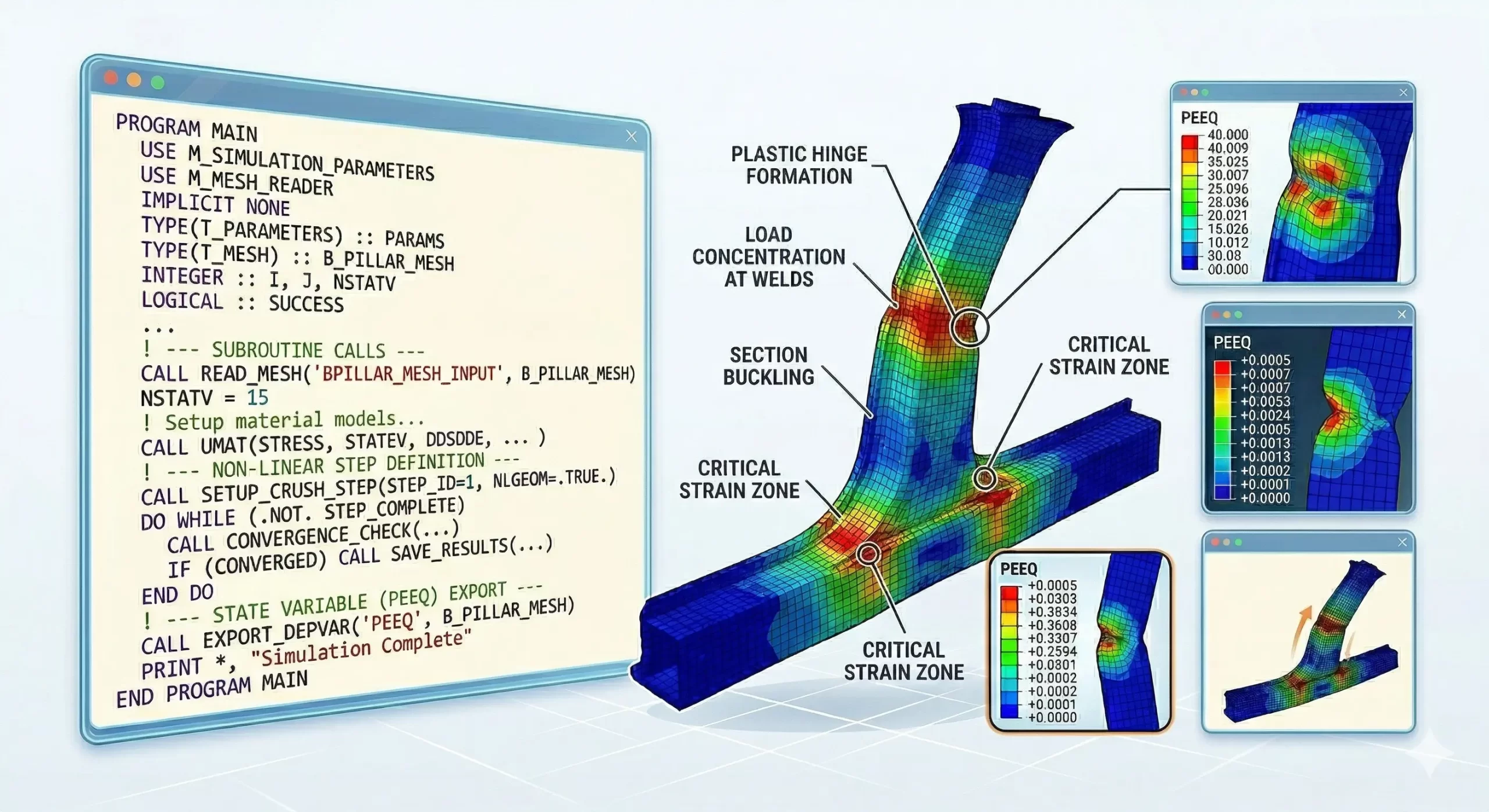
An Abaqus subroutine is known to be a user-defined program that is written in Fortran Abaqus. This allows engineers and researchers to extend the standard capabilities of Abaqus simulation software.
As it has been designed to enable users to implement custom material behavior, define advanced boundary conditions, and control simulation variables that are not available in the built-in Abaqus material library. In simple terms, a user subroutine in Abaqus gives you full control over how materials and physical processes behave during a simulation.
Why is it used in Advanced Simulations?
An Abaqus subroutine is known for advanced simulations. It is usually used in engineering applications such as crash analysis, metal forming, biomechanics, and composite material simulation, which often involve highly nonlinear and complex material behavior.
Abaqus subroutines are built-in models, which means they are cannot accurately capture these behaviors, which is why engineers rely on user subroutines in Abaqus to implement custom mathematical formulations.
For example, at times of high-speed impact simulations, engineers use Abaqus/Explicit, or Abaqus VUMAT, to define how materials behave under extreme loading conditions.
Additionally, subroutines help researchers develop and test new material models for academic and industrial research. By using Fortran Abaqus, users can integrate their own equations and algorithms directly into the simulation workflow.
Role in nonlinear and custom material modeling
One of the most peculiar roles of the Abaqus subroutine is enabling nonlinear and custom material modeling. It is found that many engineering materials and equipment do not behave in a simple linear elastic manner.
How it extends built-in material models
Abaqus subroutines extend themselves in the built-in material models by overcoming certain limitations and allowing users to define completely customized material behavior.
So basically, it is like when a simulation runs, Abaqus is focused on calling the user subroutine at each integration point. The subroutine calculates stress, strain, and other state variables based on user-defined logic written in Fortran Abaqus. This allows the simulation to follow custom material laws instead of relying on predefined models.
For example:
- Abaqus UMAT might help extend material modeling for implicit nonlinear analysis
- Abaqus VUMAT can help extend the material modeling for explicit dynamic simulations
- With time, the custom damage models can be implemented
- With more precision, advanced plasticity, and failure criteria can be defined
- Based on concurrent new research, new material models can be tested
While incorporating the Abaqus subroutine, now engineers work to gain complete flexibility to simulate real-world material behavior with high precision, making it an essential tool for advanced finite element analysis and research-driven engineering simulations.
Read More: Simulia Abaqus Software – Everything that You Want to Know
Common Errors in Abaqus Subroutines
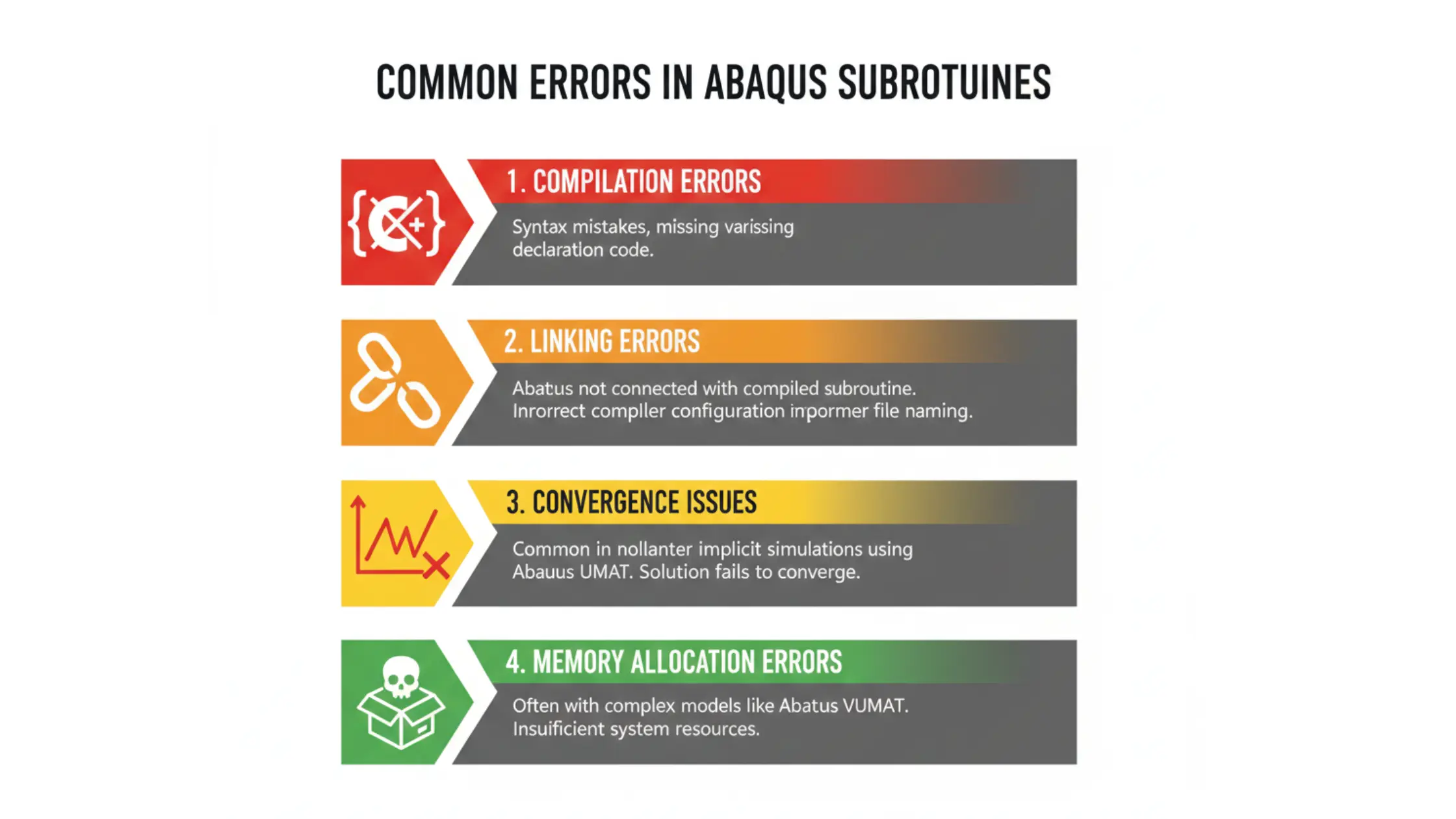
Compilation errors happen at the time of Fortran Abaqus code, which has certain syntax mistakes, missing variables, or incorrect declarations. These compilation errors prevent Abaqus from compiling with the user subroutine in Abaqus
Linking Errors
Linking errors happen when Abaqus is not properly connected with the compiled subroutine. This usually occurs usually due to incorrect compiler configuration or improper file naming
Convergence Issues
Convergence issues are common when you use Abaqus UMAT during nonlinear implicit simulations
Memory Allocation Errors
This is commonly found at the times when complex models like Abaqus VUMAT is implemented.
Incorrect State Variable Handling
This happens when the time of incorrect updating or initialization of state variables in an Abaqus subroutine leads to inaccurate results. This is especially critical in Abaqus UMAT and Abaqus VUMAT example implementations, where proper tracking of material behavior is essential for simulation accuracy.
UMAT / VUMAT Input & Output Variables
Understanding input and output variables is essential for defining custom material behavior. With these inputs, the Abaqus user subroutine calculates and returns updated stress values, material stiffness, and state variables.
UMAT vs VUMAT – Key Differences
Both Abaqus UMAT and Abaqus VUMAT are important types of Abaqus subroutines, but they are utilized in different types of analyses.
- Abaqus UMAT is known as Abaqus/Standard for implicit simulations that require convergence iterations. It is commonly used for nonlinear static and quasi-static problems.
- Abaqus VUMAT is used in conjunction with Abaqus/Explicit for dynamic simulations, such as crashes, impacts, and high-speed events.
- Abaqus UMAT requires stiffness matrix calculations, while Abaqus VUMAT does not.
According to the Abaqus subroutine manual, choosing between UMAT and VUMAT depends on the solver type and simulation requirements. Both are written using Fortran Abaqus and allow complete customization of material behavior.
Additional Abaqus Subroutines List
1. UAMP
UAMP is an Abaqus user subroutine that is widely used to define custom amplitude variations over time, allowing precise control of loading conditions in simulations.
2. FILM
FILM is used to define film coefficients in heat transfer problems. This Abaqus subroutine is helpful when convection conditions vary across the model.
3. HETVAL
HETVAL assists users in defining internal heat generation within materials. It is commonly used in thermal simulations involving chemical or physical reactions.
4. UMESHMOTION
UMESHMOTION is used for managing to control mesh movement in adaptive meshing problems, making it useful for simulations involving large deformations.
5. UEXPAN
UEXPAN defines thermal expansion behavior beyond standard options. It is useful when expansion depends on complex variables or custom laws.
6. UTRS
UTRS is used for defining user traction-separation laws, especially in fracture mechanics and cohesive zone modeling.
7. UINTER
UINTER helps define custom interaction behavior between surfaces, making it useful when standard contact definitions are not sufficient.
8. URDFIL
URDFIL is used to read results from the Abaqus results file during analysis. This Abaqus user subroutine enables decision-making based on intermediate results.
9. UFIELD
UFIELD allows you to define field variables at nodes, which can influence material behavior and boundary conditions in a Fortran Abaqus workflow.
10. VDISP
VDISP is the explicit counterpart for defining boundary conditions in Abaqus/Explicit, similar to how Abaqus VUMAT complements UMAT.
These additional Abaqus subroutine examples help demonstrate the flexibility of Abaqus user subroutines, especially when standard features are not enough. Whether you are working with Abaqus UMAT, Abaqus VUMAT, or other Abaqus implementations, these subroutines enable deeper customization across structural, thermal, and multiphysics simulations.
How to Use Abaqus Subroutines (Step-by-Step)
- Write the code using Fortran Abaqus syntax and save it.
- After this, you need to define material properties in Abaqus.
- You need to compile the subroutine using the Abaqus command line and Fortran compiler.
- After that, link the subroutine during job submission in Abaqus/CAE.
- Work on running the simulation and check the output results.
- With this, use the Debug errors guidance from the Abaqus user subroutine manual.
Understanding what an Abaqus subroutine is and how to implement it correctly allows engineers and researchers to perform highly accurate and advanced finite element simulations.
Conclusion
In conclusion, Abaqus subroutines are essential tools for engineers and researchers who need to simulate complex, real-world material behavior beyond the limits of built-in models. By leveraging Abaqus UMAT for implicit nonlinear analysis and Abaqus VUMAT for explicit dynamic simulations, users can achieve a high level of customization and accuracy in their finite element models.
Master Abaqus UMAT subroutines with our online course. Join hands-on training and build real-world simulation skills.
