
What Is Autodesk Civil 3D?
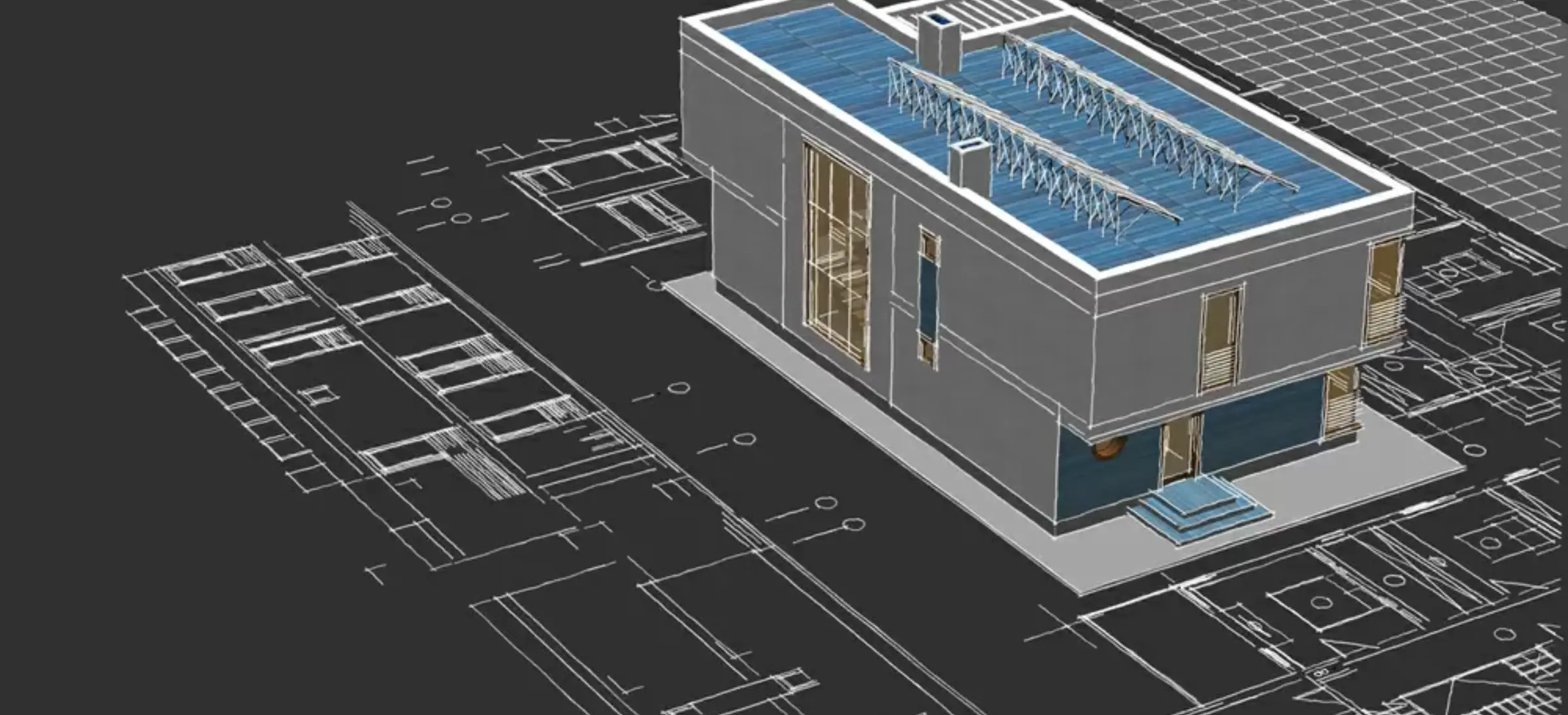
Autodesk Civil 3D is an infrastructure design and BIM software used by civil engineers for engineers for infrastructure projects like roads, railways and water systems.
It is a building information modelling solution that uses intelligent, model-based workflows to automate tasks such as corridor and intersection modelling, site grading and plan production.
What is Civil 3D Used for
Civil 3D is used across multiple civil engineering domains to enhance project designs, improve accuracy, and facilitate collaboration, ultimately accelerating project delivery. Here’s the breakdown of Civil 3D uses,
Roadway and highway designs
Civil 3D is used for roadway designs as it integrates alignments, profiles, assemblies and corridors into one dynamic model, which helps to evaluate multiple design scenarios, optimise vertical geometry and generate cross sections quickly. Now, engineers can often search how to use Civil 3d for highway designs because the software assists in offering real-time updates.
Transportation + Infrastructure Planning
Civil 3D supports transportation engineers through integrated corridor design, traffic planning workflows, and interoperability with InfraWorks and Navisworks. This results in a more coordinated, collaborative, and BIM-aligned infrastructure project environment.
Corridor Modelling
Corridor modelling is one of the most powerful features of Autodesk Civil 3D. It enables designers to create accurate 3D models of roads, rail lines, and site grading using assemblies and subassemblies. The dynamic relationship between alignments, profiles, and surfaces ensures that any design changes propagate automatically across the model.
Survey Data Processing
Civil 3D helps import, analyse and manage survey data directly from the equipment field engineers can now create survey figures, convert them into new topographic surfaces and maintain data integrity while using survey databases.
Terrain Modelling
Terrain Modelling helps designers visually analyse, design and evaluate the slopes and contour patterns, which are an essential part of grading in Civil 3D and overall design validation.
Land Development
Civil 3D helps to simplify parcel layout, feature line developments, site grading, and utility planning. Now, designers can use Civil 3D features to exert extensive control over any elevations and shape the site with complete precision.
Pipe Networks
Civil 3D helps design gravity-based pipe networks with automated inverts, rule-based layouts, and clash analysis.
Example Civil Engineering Tasks You Can Do With Civil 3D
Here are practical Civil 3D examples you can work on as an engineer:
- Create a highway alignment and corridor model
- Build a subdivision with parcels and utilities
- Design sewer and stormwater networks
Key Features of Autodesk Civil 3D
The Autodesk Civil 3D is known for its precise robust design, modelling features that helps assist the engineers to create an accurate, dynamic construction ready designs when engineers or people search for what is Civil 3D used for or how to use Civi 3D – they come across feature lines, grading optimization capabilities and many things which are some of the important features of Autodesk Civil 3D
1. Civil 3D Grading Tools
Civil 3D grading tools are designed to help engineers make elevation plans quickly and accurately as these tools help shape land surfaces like parking lots, embankments, retention ponds and landscape zones.
2. Civil 3D Feature Lines
The Civil 3D feature lines are known for creating detailed and controlled grading designs. Engineers use them to define edges of roads, building pads, curbs, and finished ground surfaces.
Feature lines give you very granular control over elevations, making them ideal for site development where precision matters. They are also widely used in subdivisions, footpaths, parking areas, and grading transitions.
One of the common civil 3D examples using feature lines can be – creating a parking lot with outline and varying slopes, grading around a building pad with controlled elevation drops and defining curb and gutter geometry for urban roads.
3. Civil 3D Grading Optimisation
Civil 3D grading optimisation is an advanced tool which helps automate the entire grading process using AI – AI-algorithms, so instead of manually adjusting to the slopes and elevations, the software is designed in the most efficient way, which is cost-effective yet based on some of limitations
This is one of the most important reasons why Autodesk Civil 3D is the preferred software for modern grading workflows. It significantly improves productivity and provides engineers with smart, practical design alternatives, something traditional methods cannot match.
Read More – Tekla Structures: A Complete Guide to BIM Modelling, Design, and Structural Analysis
Benefits of Autodesk Civil 3D
The AutoCAD Civil 3D showcases powerful advantages for civil engineers, students and infrastructure designers. Some of the benefits of Autodesk Civil 3D are
Reduced Rework & Increased Efficiency
As Civil 3D uses dynamic, data-driven and model changes in parts of projects so which means there are fewer drawings, less manual redrawing, fewer errors, and faster iteration when exploring different design alternatives. If you change an alignment, for example, the road model, contours, and grading surfaces adjust automatically
One Unified Solution and Versatile Across Project Types
Civil 3D serves as a comprehensive tool that helps all civil-engineering needs, such as land development, site grading, roadway and highway design, to utility and drainage networks. So this all-in-one treatment nature helps reduce the need to learn many specialised tools.
Better Collaboration & Data Management
Civil 3D provides strong collaboration capabilities, which means multiple users can work on survey data, surfaces, alignments, pipe networks, and corridors, often simultaneously, by using data shortcuts, references, or shared project data workflows.So this harmonious environment ensures consistency, prevents conflicting edits, and supports integrated civil-infrastructure workflows, which is vital for complex or large-scale projects.
Flexibility & Data Compatibility
Civil 3D helps support a wide range of data formats (DWG, LandXML, GIS data, survey data, etc.), which helps enable seamless integration with GIS systems or legacy data from other platforms, simplifying survey-to-design or migration workflows.
AutoCAD Civil 3D Online Training – How to Learn the Software

Learning Autodesk Civil 3D is no longer an option but a necessity for Civil Engineers, students, land development professionals and infrastructure designers. As the industry is continuing to move ahead and the shift towards BIM – BIM-integrated workflows and automations, the grading process, like Civil 3d grading optimisation, has become a critical career
At PIGSO LEARNING, our AutoCAD Civil 3D online training course is designed to help learners understand the concepts from the root to advanced-level real-world engineering projects.
Benefits of Learning Autodesk Civil 3D with PIGSO Learning
- PIGSO Learning helps offer a flexible, self-paced online learning space that can easily fit into your busy academic and professional schedules. Here, you get,
- Anytime access to lessons
- Practical and real-world Civil 3D examples
- Updated content aligned with your latest syllabus and concepts
- It’s the easiest and most convenient way to gain real project skills.
Get a chance to get into our course in Autodesk Civil 3D Online Training Course will help you prepare for the course and gain hands-on AutoCAD Civil 3D certification, helping you stand out in the engineering job market.
Learn through real-world examples like grading, surfaces, corridors, and feature lines and many more, so now you can even study and apply for Civil 3D in practical projects.
We train learners on the latest software version, including upgraded grading tools and Civil 3d grading optimisation features.
Contact us today to get started!
Conclusion
Autodesk Civil 3d has been very transformative to civil engineers, approach designers, and land developers for analysis and project execution. With its transformative features, advanced benefits, seamless applications and its efficiency-boosting capabilities, this software plays a key role in modern infrastructure development.
Mastering this tool is not only advantageous but also essential for engineers who are aiming to stay competitive in the industry. So join now in PIGSO Learning’s Autodesk Civil 3d online training. This program equips you with appropriate knowledge with real-world examples led by professionals with industry-relevant skills, preparing you for smarter, technology-driven careers.
FAQs
Q1. How does Civil 3D grading work for land development projects?
Civi 3D helps engineers and land developers to create accurate site elevations, slopes and earthwork designs with the help of dynamic surfaces, objects and feature lines and in land development projects, Civil 3D helps shape the building pads, parking lots, drainage areas, etc.
Q2. What are Civil 3D feature lines, and why are they important?
Civil 3D feature lines are basically 3D polylines that have elevation data at every point, and that is something that gives designers full control over geometry. Features lines are important as they interact dynamically with surfaces and help in land development projects.
Q3. What is Civil 3D grading optimisation, and how does it help engineers?
Civil 3D Grading Optimisation is an AI-driven tool that assists in the grading process. It helps evaluate multiple grading scenarios, such as the slopes, elevations, drainage paths, etc
They help engineers to reduce manual trial-and-error, balance earthwork faster, and achieve cost-effective, constructible results.
Q4. How to use Civil 3D for beginners?
Beginners can use Civil 3d by learning basics like alignments, surfaces, profiles, corridors, and Civil 3d feature lines. Online courses, tutorials by PIGSO Learning can provide step-by-step practice exercises that are the easiest way to learn how to use Civil 3D effectively.
Q5. How useful is AutoCAD Civil 3D certification for engineers?
AutoCAD Civil 3D certification is important as it helps establish your expertise in Autodesk Civil 3D to employers. Certified engineers often gain better job opportunities, higher trust in design roles, and faster career growth in infrastructure, BIM, surveying, and land development industries.
Q6. Can I learn Autodesk Civil 3D through online training?
Yes. Many learners prefer Autodesk Civil 3D online training because it offers flexibility, self-paced lessons, and hands-on exercises. You can enrol at PIGSO Learning to learn online

Simran Shekhawat is an experienced SEO content writer with three years of hands-on experience in crafting high-impact digital content. With a strong command of search engine optimisation practices, she specialises in creating content that not only reads well but also ranks effectively. Her expertise encompasses keyword research, topic clustering, on-page SEO, content strategy, and crafting copy that aligns with both user intent and brand objectives.